

You can cancel pre-approved, automatic payments, or a subscription in your PayPal account.
1. Log in to your PayPal account.
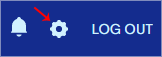
2. Click on the settings icon.
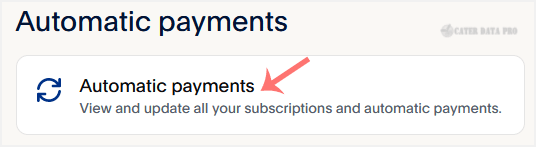
3. Go to the Payments menu and click on Automatic payments.
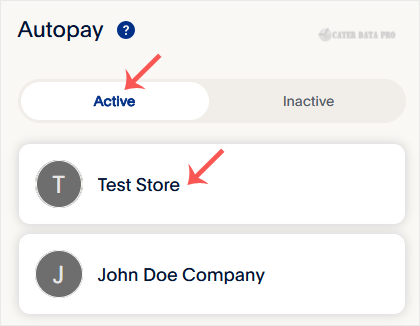
4. Click Active. If there is an active subscription, it will be displayed. Click on the merchant's store name, and it will display full subscription details.
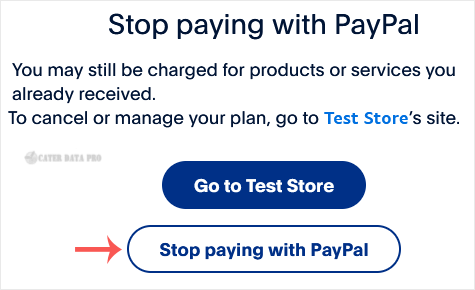
5. Scroll down and Click Stop paying with PayPal.
6. When the confirmation message appears, click Stop paying with PayPal again. You can provide feedback or leave it blank before confirming.
Now you know how to cancel an automatic subscription in PayPal and avoid future charges.